04 / Product case study · Prague · Two-week MVP
Travel
Itinerary App
I designed and built a field-tested travel companion for independent travellers who want a clear route, useful context, and the freedom to explore at their own pace.
01 / The situation
I was tired of planning a trip in one tool and living it in five others.
02 / The problem
Independent travellers need structure without a guided-tour pace.
People can have a route and still feel lost when they are tired, moving through an unfamiliar city, or deciding together what to do next.
User storyAs an independent traveller, I want to see where I need to go, when I need to be there, and what it will cost, so that I can explore confidently without constantly switching tools.
Plan
Turn days, times and routes into something scannable.
Recognise
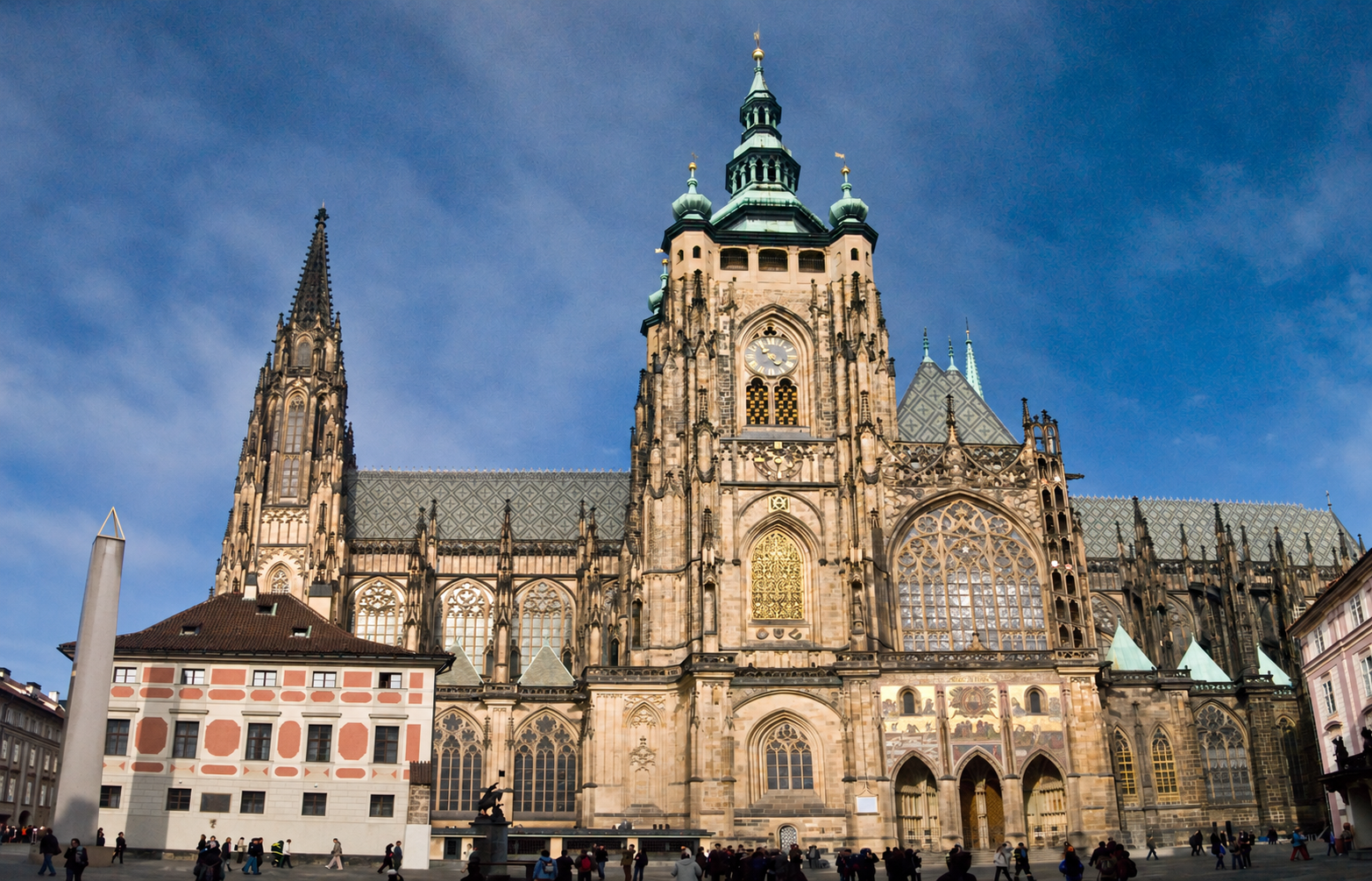
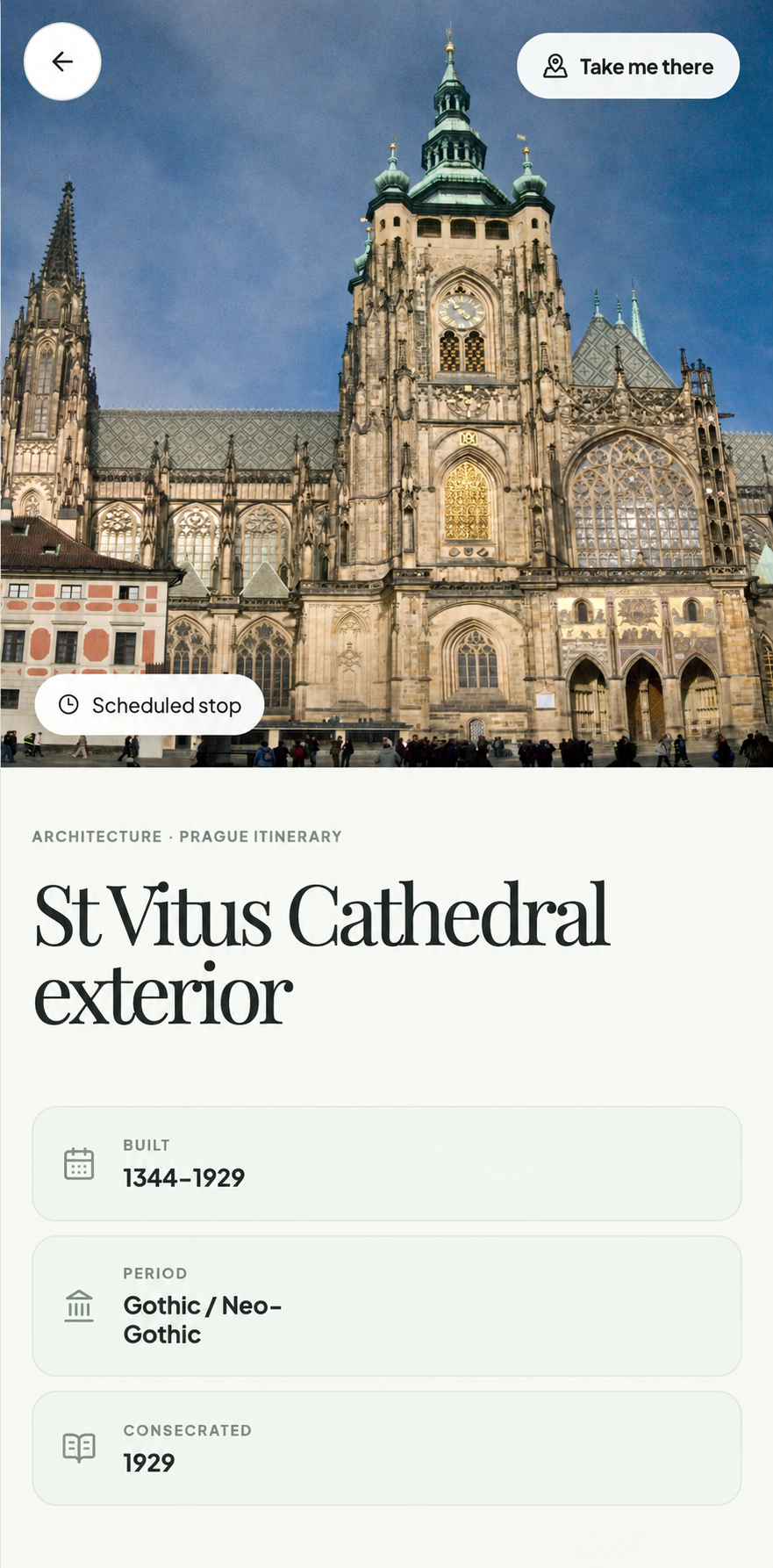
Know the facade and why the place matters when you arrive.
Choose
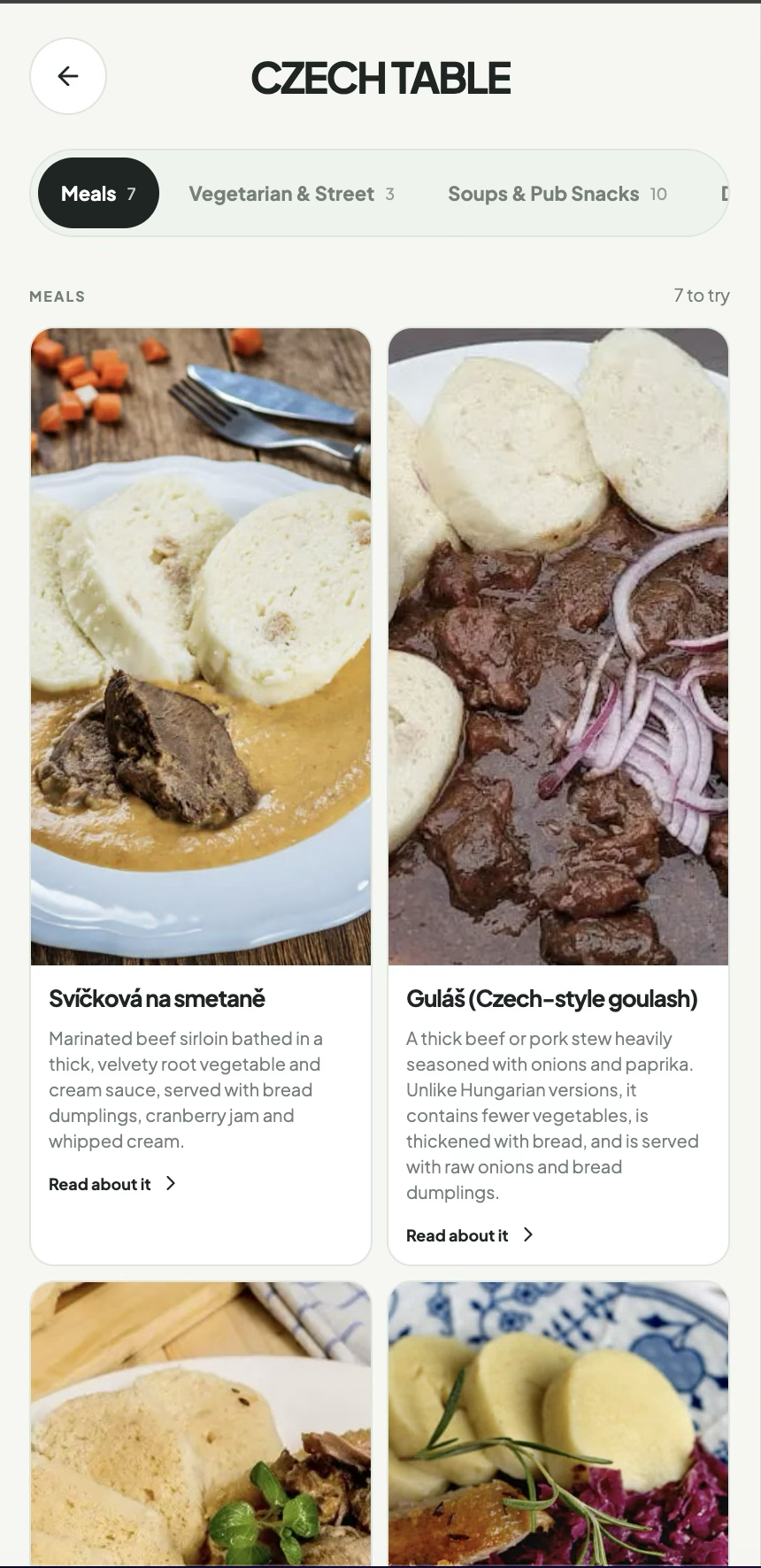
Understand unfamiliar food before reaching a text-heavy menu.
Remember
Keep a shared record of places and dishes after the day ends.
03 / Research and synthesis
The interface came after the content model.
I started by thinking through the traveller’s real decisions, then built the destination database and route logic around them.
Observe the moment
What does someone need after a flight, while walking, or standing outside a building?
Validate the source
Agents gathered information, but I cross-checked entries and images against Czech official sources, Wikipedia, local specialists, and professional guides.
Shape the route
Essential stops became solid lines. Optional “side quests”, food and rest stops became part of a fuller but flexible day.
04 / Product model
One day, understood at a glance.
The product model connects time, place, cost, context, movement and memory. The itinerary stays central; the supporting systems appear when the traveller needs them.
Itineraryday · time · route
Moveplace · facade · maps
Discoverfood · context · sources
Keepstamps · budget · history
05 / Core flow
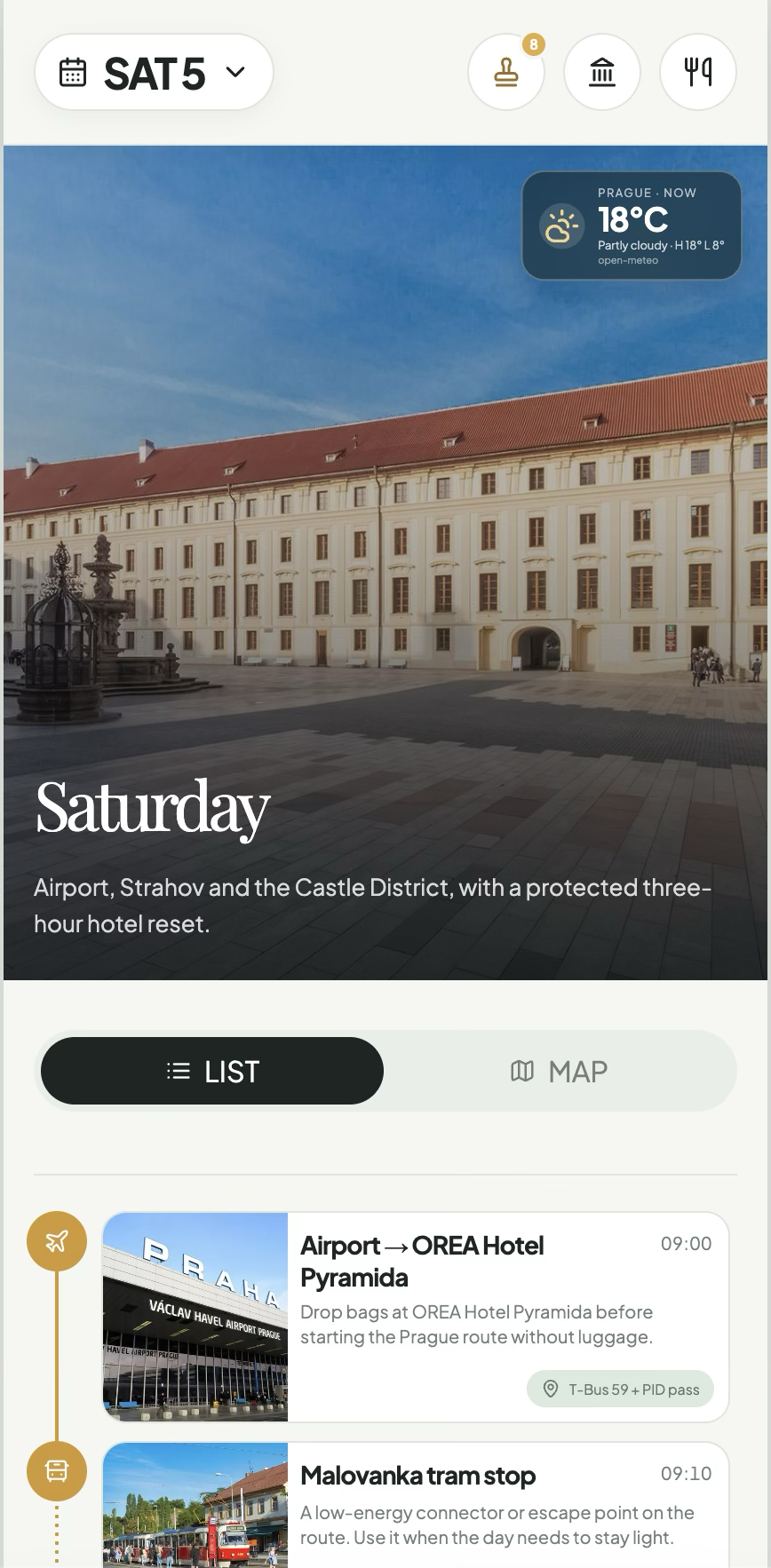
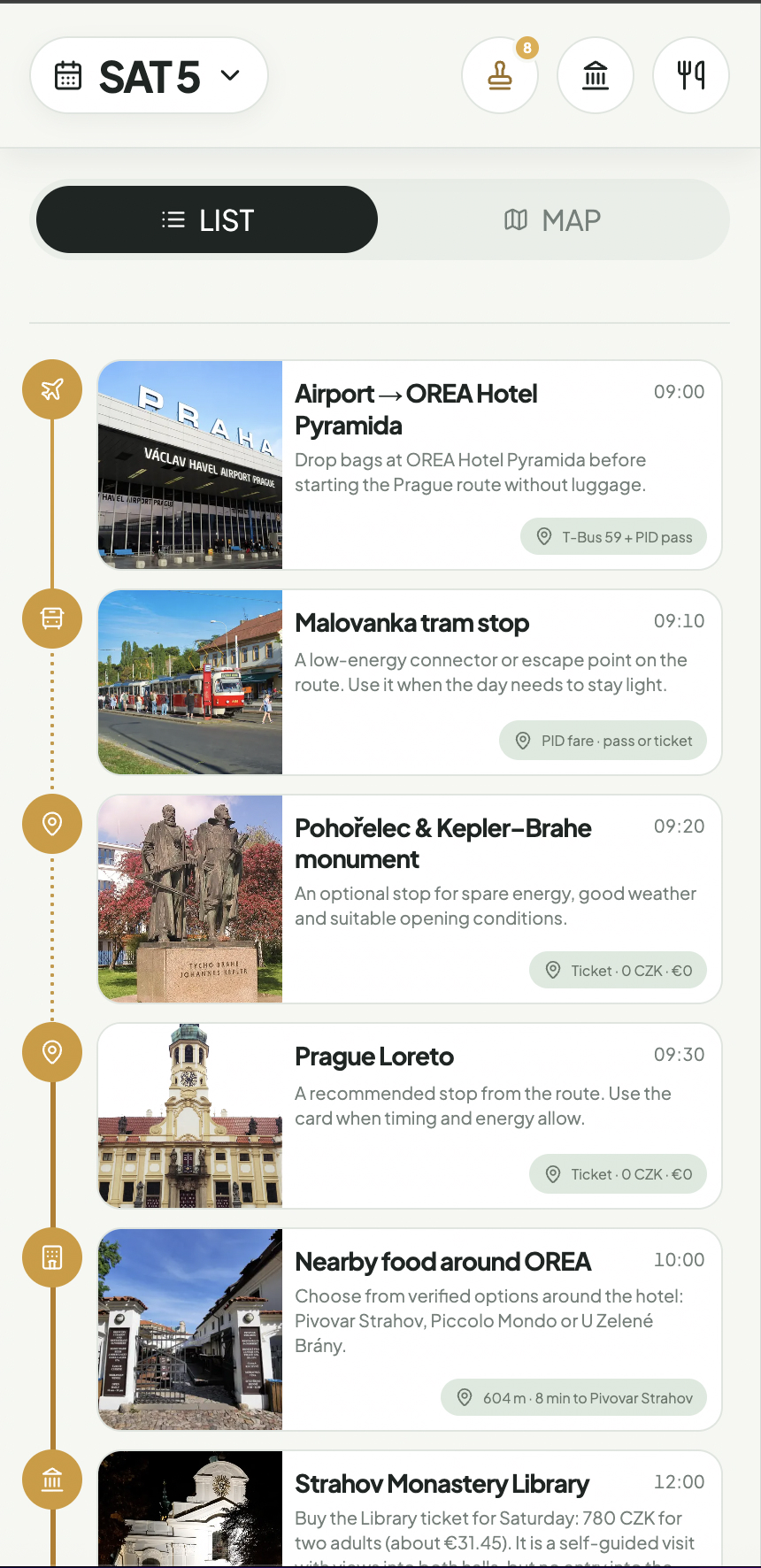
Choose a day. Follow the next useful action.
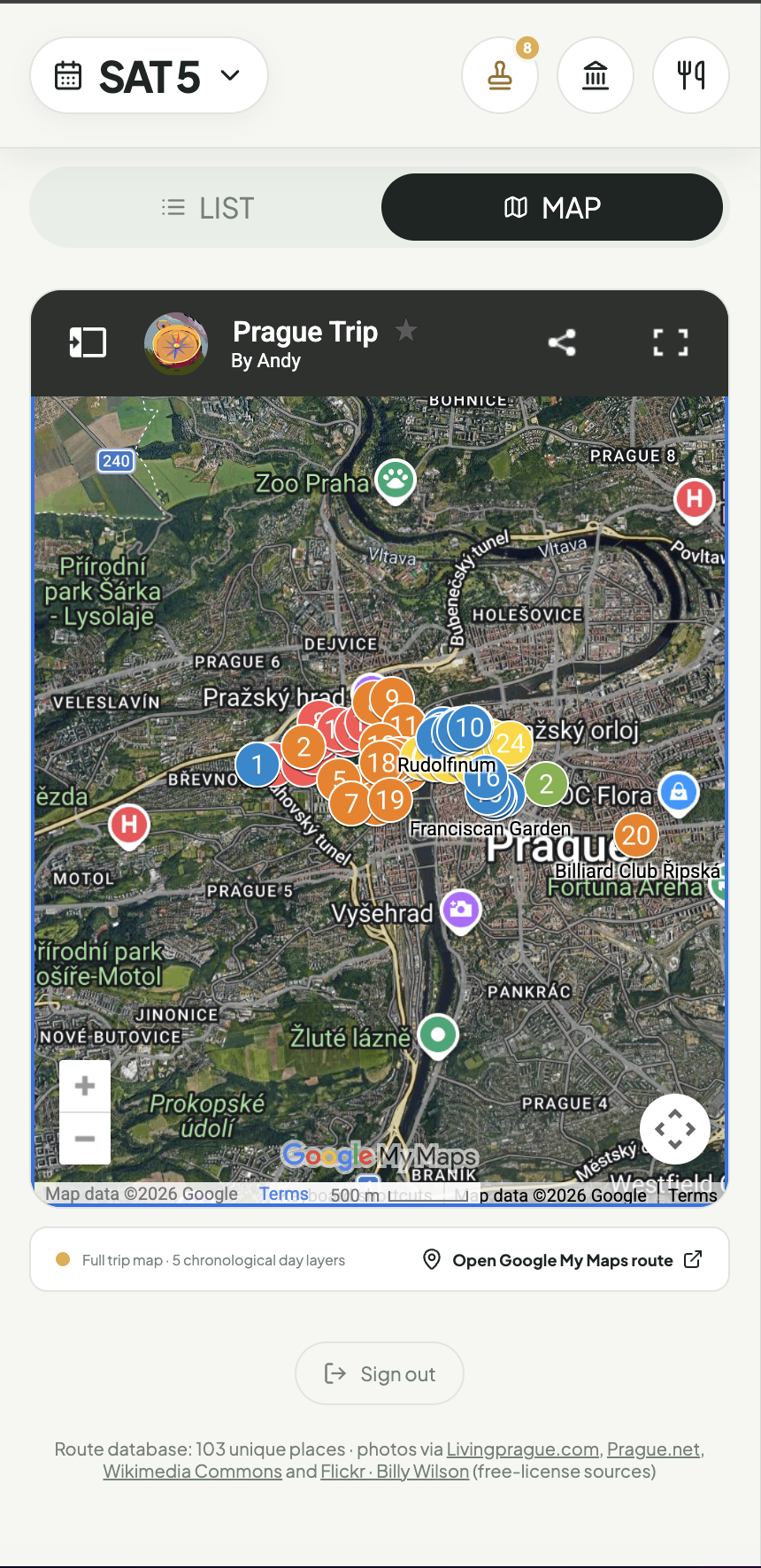
Open the app → choose a day → scan the route → recognise the facade → check time and cost → open the place → take me there.
06 / Design decisions
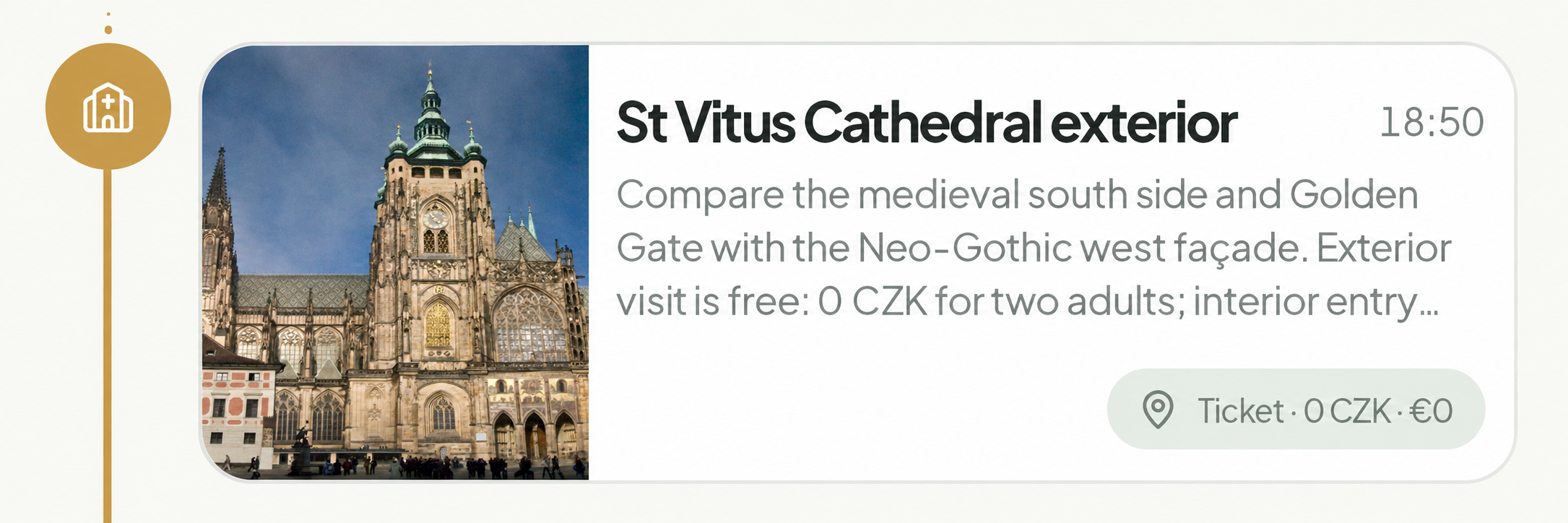
Every stop answers: “Am I in the right place, and is it worth going inside?”
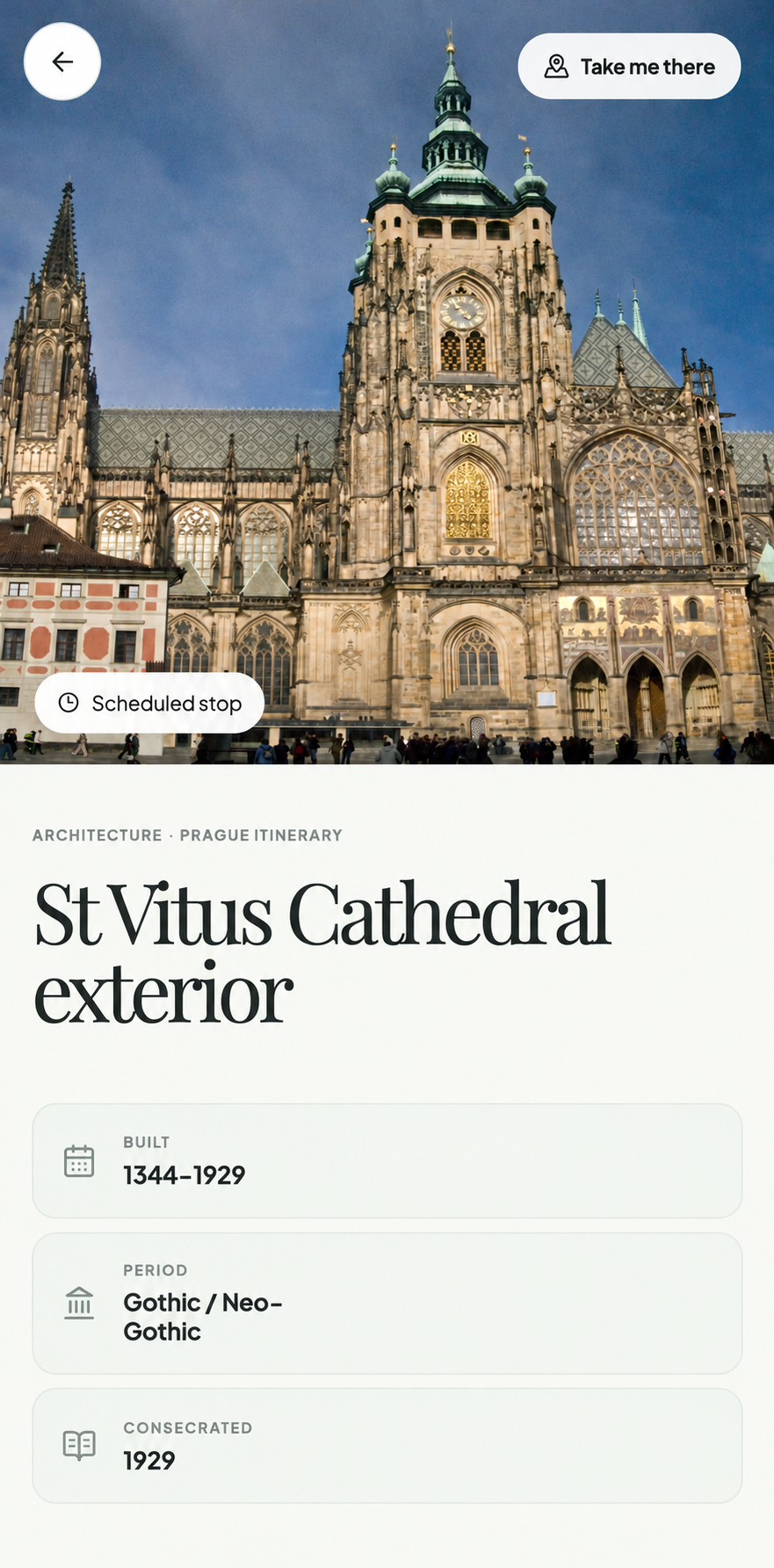
The route makes the next stop legible. The place detail then turns arrival into recognition, context and a clear action.
Take Me There connects the planned route to the physical city. Stamp Stop closes the loop and records the visit.
07 / Supporting system
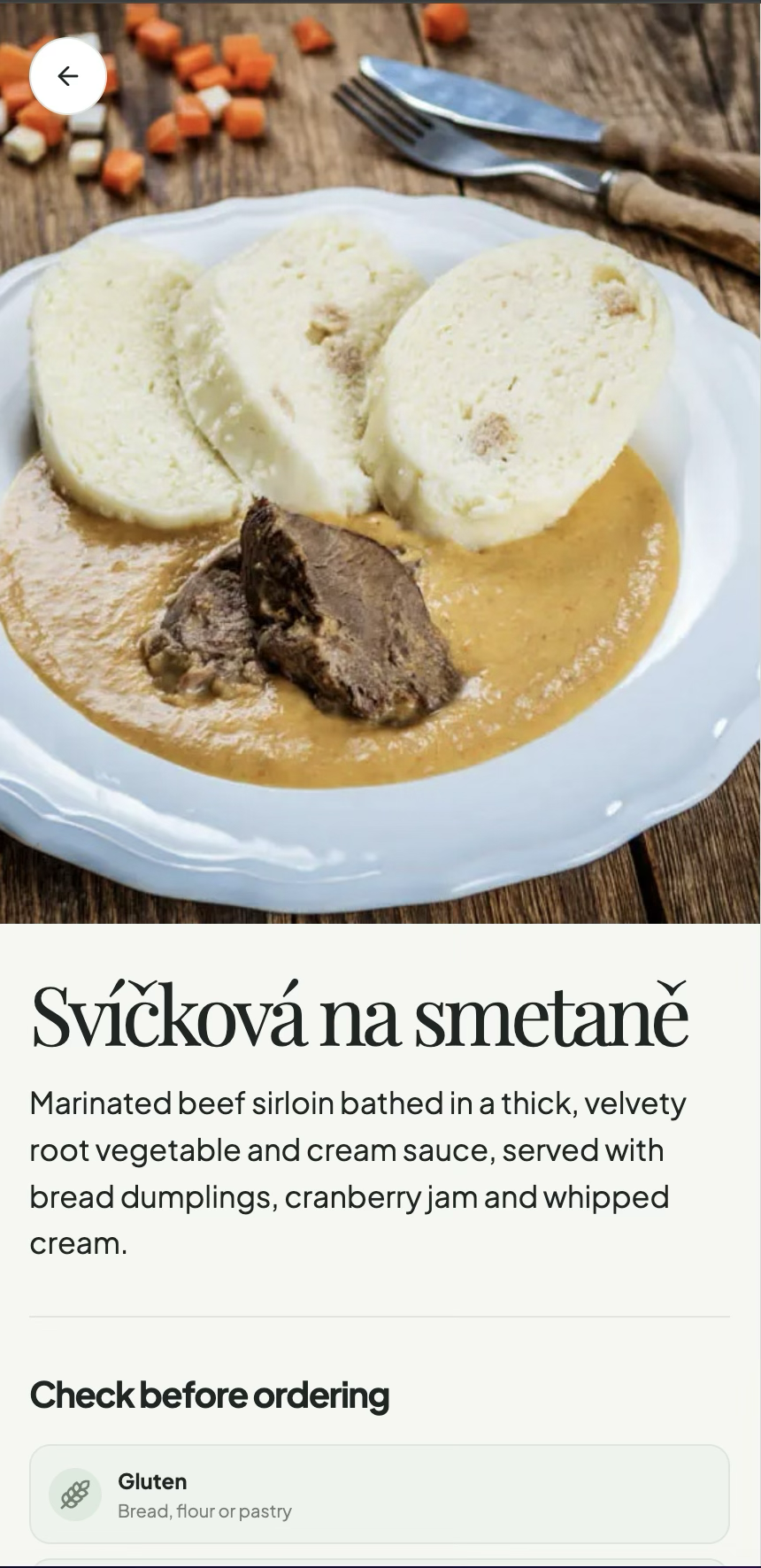
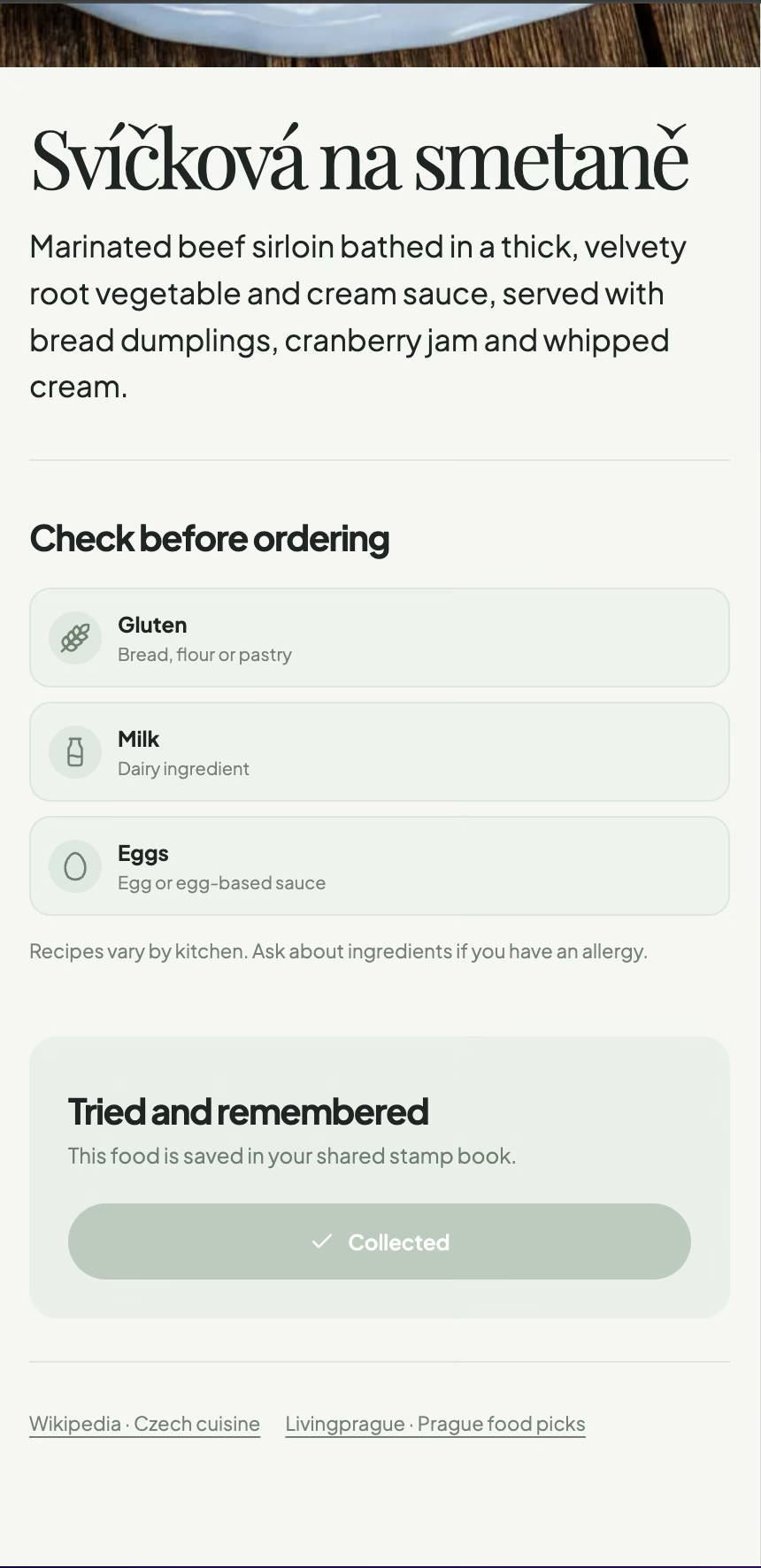
Czech Table makes unfamiliar food less of a gamble.
Prague menus were often text-heavy and sometimes badly translated. Food photography, English explanations, ingredients and context helped us choose before ordering.
08 / Field validation
The Prague trip was the test lab.
This was real-world field validation, not a formal lab usability study. I used the product while moving through the city and compared the experience with what the interface promised.
The core loop held up.
The hour-by-hour itinerary, facade imagery, place context and “Take Me There” action made it faster to understand and reach the next stop.
Food and stamps added value.
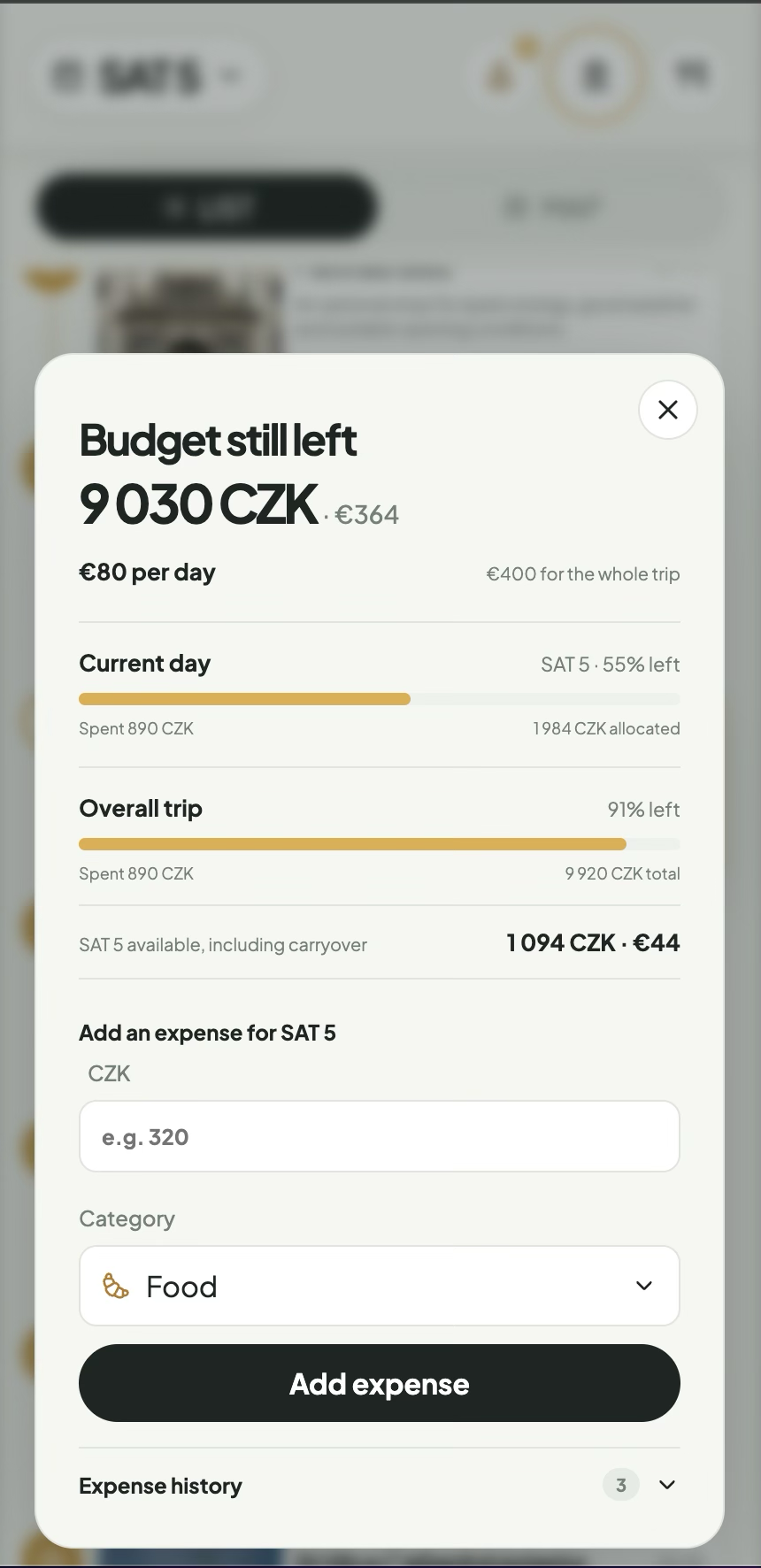
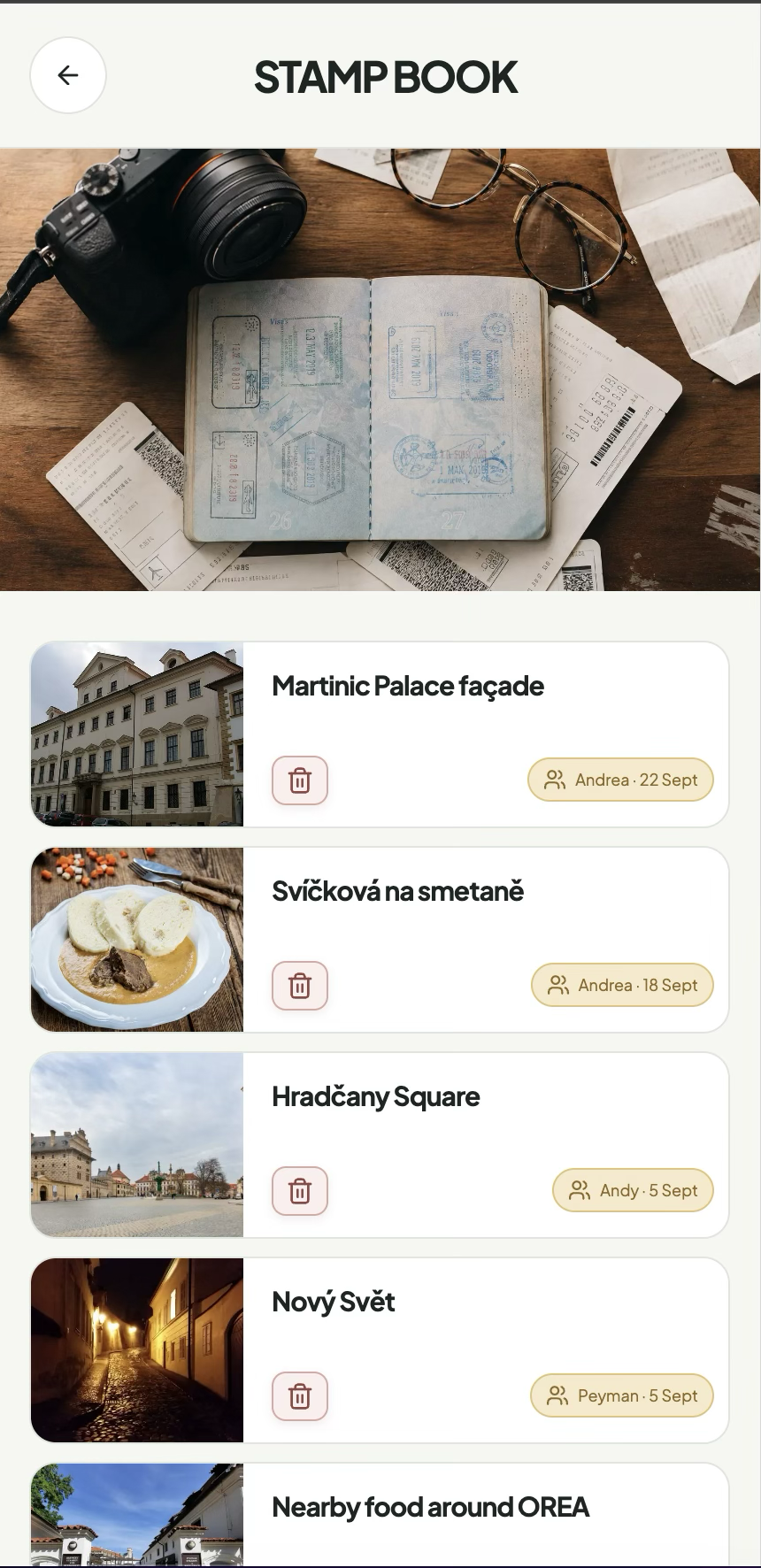
Czech Table helped with real menus. Stamps made the trip fun to revisit at the hotel and kept a record of what we had seen.
Shared sync needs work.
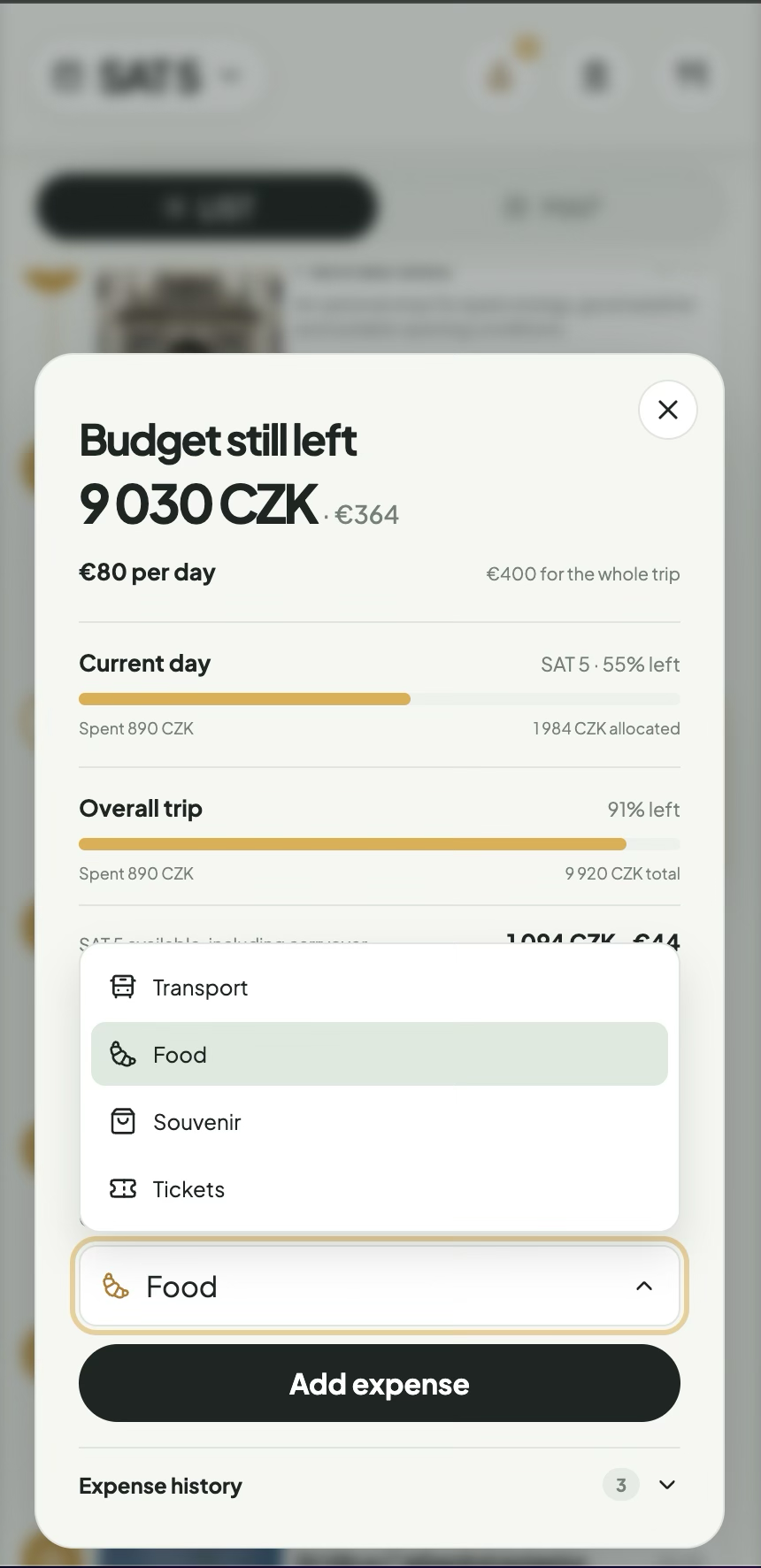
Budget and shared data synchronized inconsistently. We checked Revolut when needed. Reliable multi-user state became the clearest next iteration.
09 / Ownership and build
I owned the product from the question to the field test.
Codex was my engineering partner. I directed the product vision, research, information architecture, visual system, content review, interaction states and design decisions.
Two-week scope, route logic, prioritisation and future destination model.
Mobile-first flows, wireframes, typography, imagery, Lucide icons and state design.
Supabase for data and auth, Open-Meteo for weather, Google My Maps for the map fallback, Vercel for deployment.
10 / Reflection and next
A small budget forced better product decisions.
KeepThe trusted core: itinerary, time, place, cost and the next action.
FixReliable synchronization, login and multi-user state.
GrowReusable destination data, integrated maps and interest-based planning.
ExploreAn optional AI guide that can answer questions about architecture, art and history from images or audio.
The MVP did not try to solve everything. It proved which decisions mattered in a real trip, then left a clear foundation for the next version.